Web App vs Mobile App First
The same decision, one row at a time. Use the row that matches the constraint you actually have.
| Focus | A web app first | A mobile app first |
|---|---|---|
| How users arrive | A web app firstFrom a link, a search, or an email, with no install. | A mobile app firstFrom an app store, after an install decision. |
| Release speed | A web app firstDeploy at any time, and every user has the new version. | A mobile app firstEach release goes through App Store and Google Play review. |
| Device features | A web app firstCamera upload, notifications, and location work, with some limits. | A mobile app firstFull access to push, sensors, background tasks, and offline storage. |
| Engagement | A web app firstGood for tasks people do at work or a few times a month. | A mobile app firstGood for daily use and habits that depend on reminders. |
| Best fit | A web app firstDashboards, portals, B2B tools, and products found through search. | A mobile app firstConsumer habits, field work, and products used away from a desk. |
Pick the side that matches the job.
Both options are legitimate. The mistake is buying one when the work has the shape of the other.
Start with a web app when
- Users do the work at a desk or on a large screen.
- People will find the product through search, links, or sales outreach.
- You expect to change the product often in the first months.
- The product has to work on any device without an install.
Start with a mobile app when
- The product is used many times a day, away from a computer.
- Push notifications, location, or the camera are central to the value.
- Users need it offline, in the field, or on the move.
- Your competitors already train users to expect an app.
Three checks that settle the decision.
- 01
Watch where your users are today
Check your analytics, or ask ten users where and when they would use the product. Desk and browser point to web. Daily, on the move, points to mobile.
- 02
List the device features you need
If the product needs background location, Bluetooth, or offline sync, plan for mobile. If it needs camera upload and notifications, a web app may be enough.
- 03
Plan one backend for both
Design the API so a mobile app can use it later. Then adding iOS and Android is a new client, not a new system.
When Corpvance is the wrong fit. A one-page marketing site, a staffed seat with no product to ship, or a request that is only design, only advertising, or one integration with no product around it.
Systems that match this kind of decision.
Each card links to the full case study. The reason is why that project belongs on this question.
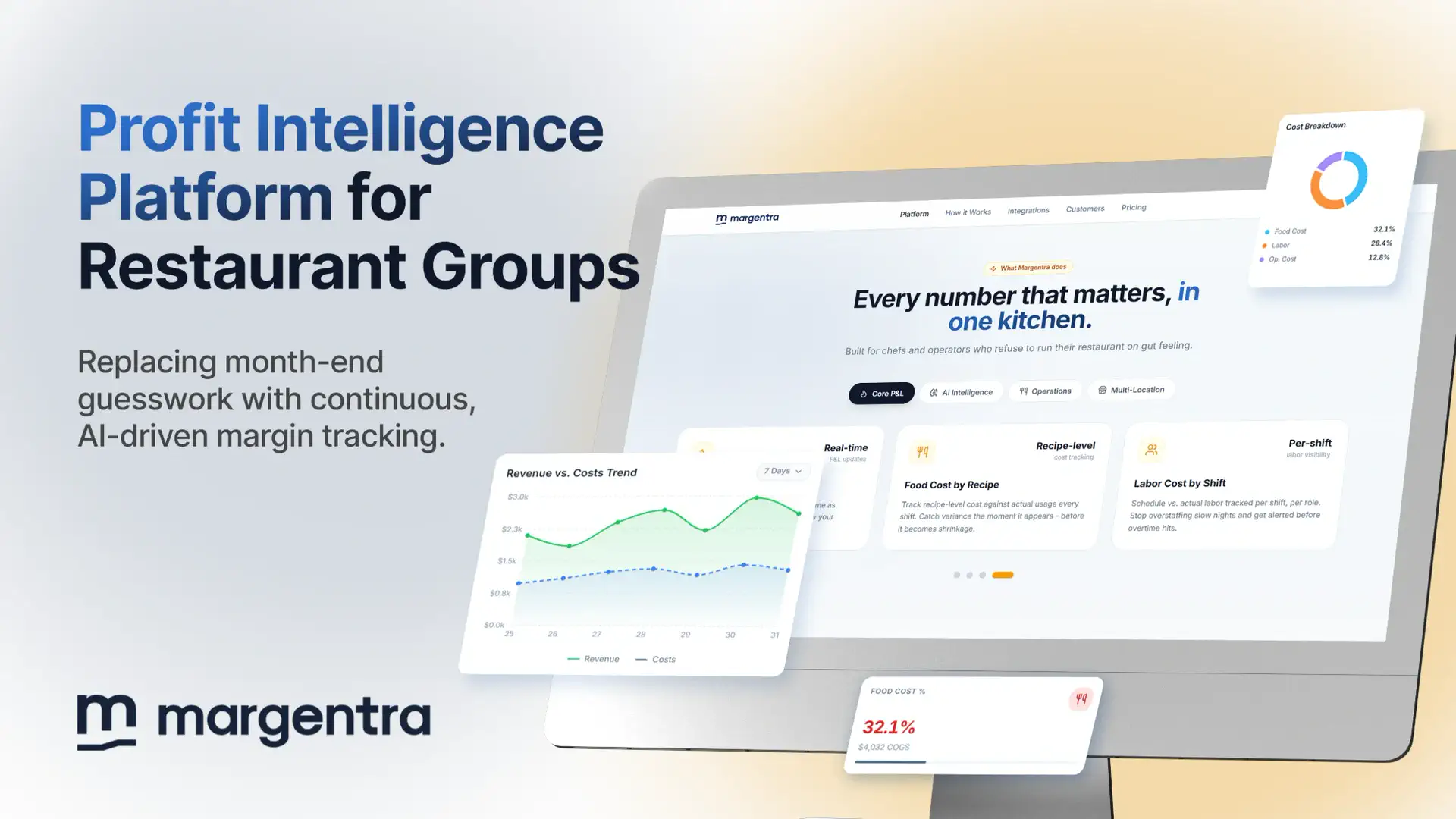
Margentra
Financial Operating System for Restaurants
A web product for restaurant operators that still uses the phone camera for invoice and receipt capture.

House of Highways
AI Trip Companion for RV Travelers
A web and AI trip planner with live weather and campground data, released on the web before any store review.
Questions on this decision
The short version of the same choice, in the phrasing people use when they ask.
01Is a progressive web app enough instead of a mobile app?
Often, for a first release. A progressive web app can be installed on the home screen, work with some offline support, and send notifications on most devices. It is not enough when the product depends on background tasks, deep device features, or store presence.
02Should a mobile app be native or cross-platform?
For most products, cross-platform with React Native or Flutter is the practical choice: one codebase for iOS and Android. Native code fits when the product depends on heavy graphics, special hardware, or the newest platform features.
03Can we add a mobile app later without a rebuild?
Yes, if the web app sits on a clean API. The mobile app then becomes a new client for the same backend. Plan that API in the first build, even if mobile is a year away.